Home > Product > PLC programmable module > 57310001-CC DSPC171 main CPU board
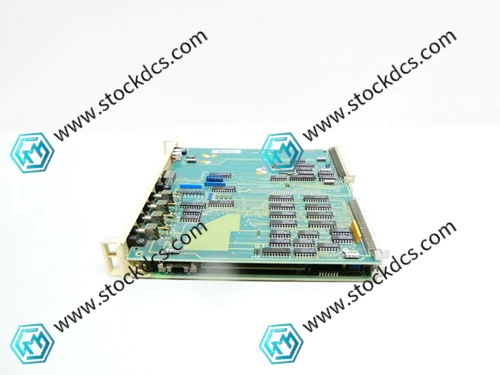
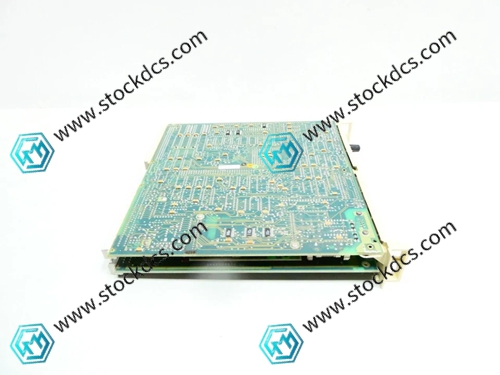
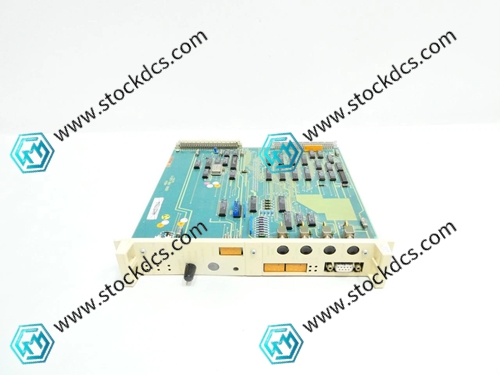
57310001-CC DSPC171 main CPU board
- Goods status: new/used
- Delivery date: stock
- The quality assurance period: 365 days
- Phone/WhatsApp/WeChat:+86 15270269218
- Email:stodcdcs@gmail.com
- Tags:57310001-CC DSPC171
- Get the latest price:Click to consult
57310001-CC DSPC171 main CPU board
Product Details Introduction
57310001-CC DSPC171 main CPU board usage precautions
This board is an ABB industrial grade main CPU board, which is the core computing and control unit of the automation control system. It is responsible for instruction parsing, data processing, and system collaboration. The following points should be followed when using it to ensure stable system operation and the safety of core components.
1. Before installation, check the model 57310001-CC DSPC171 to ensure that there are no scratches or damages on the appearance, no bending or oxidation of the interface pins, and that the jumper cap is intact. Record the serial number for system adaptation and asset management.
2. Take good measures to protect against static electricity throughout the process, wear anti-static wristbands and ground them, store and transport them in anti-static packaging bags, keep them away from strong electromagnetic interference, high temperature, humidity, and vibration environments, and avoid chip damage.
3. Disconnect the main power supply of the system before installation, wait for the power supply circuit capacitor to completely discharge, clean the dust in the motherboard installation channel and interface, check that the channel buckle is not deformed, and that the contact spring is intact.
4. Accurately connect the installation slot according to the motherboard positioning label, smoothly push in and fasten the fixed buckle, ensure that the motherboard is in close contact with the slot, and prohibit violent pressing on the core chip and interface area.
5. Verify that the jumper configuration is consistent with the system requirements. It is strictly prohibited to change the jumper position at will. When connecting peripherals (memory, communication modules), align them with the foolproof notch and smoothly plug and unplug to avoid interface damage.
6. Confirm the compatibility between the motherboard and peripherals before debugging, check the CPU recognition status, computing speed, and interface communication stability during power on self-test, backup the original system configuration, and avoid debugging errors.
7. During operation, unauthorized plugging and unplugging of the motherboard and peripherals is prohibited, and live operation is strictly prohibited to avoid core data loss or chip burnout. The working temperature of the motherboard is monitored to ensure the normal operation of the cooling system.
8. Regular maintenance requires power-off operation, checking the motherboard fixing buckle and interface fastening, cleaning the chip and heat sink dust, and checking for abnormal conditions such as capacitor bulging and pin oxidation.
9. When a fault occurs, first disconnect the power supply, interface, and peripheral issues, locate the fault point through self checking logs, and try resetting the motherboard. Prioritize using the replacement method to troubleshoot the motherboard itself.
When the motherboard experiences abnormal calculations or fails to start, backup system data in a timely manner. Do not disassemble or repair core components on your own, and contact professional personnel or manufacturer after-sales service for handling.
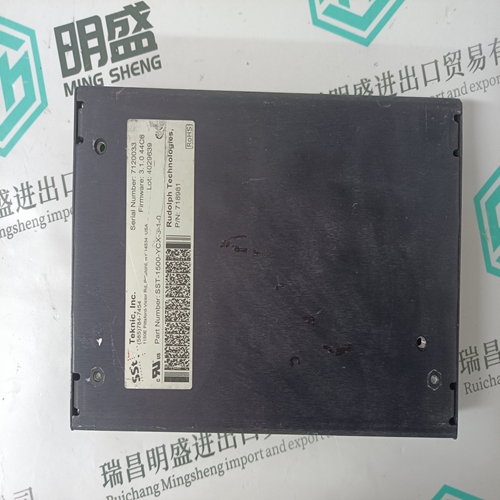
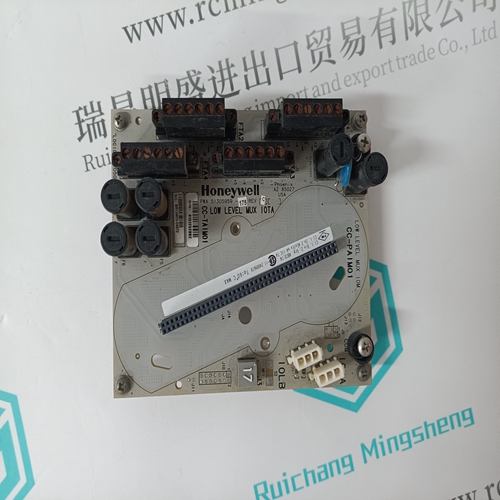
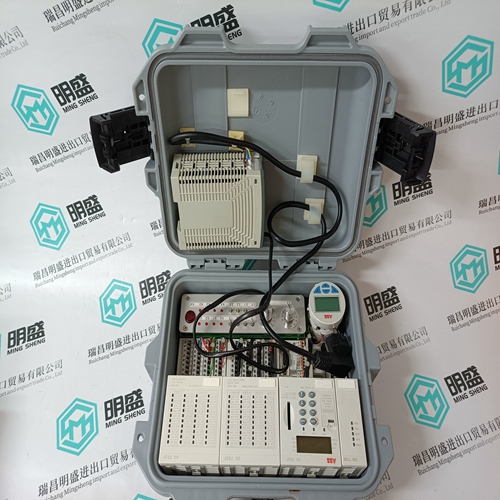
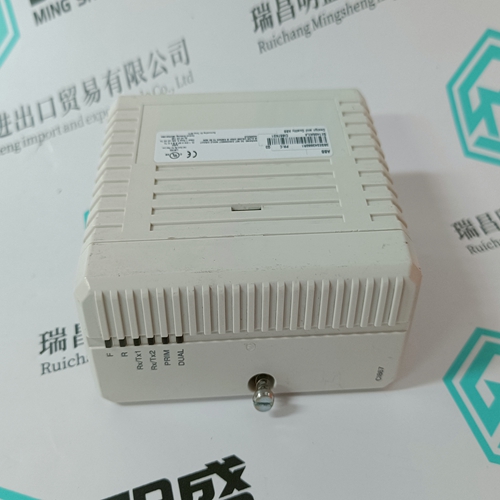
57310001-CC DSPC171 Product imag
57310001-CC DSPC171 ontroller Module
HONEYWELL USI-0002 Controller Module
ORMEC SAC-SW225/EB power module
BENTLY 3500/91-01-01 Vibration Monitor
Other website links
SPASI23数字量模块
IS220PDIOH1A励磁模块
IS220PAICH1A机架式电源板
| 710-678272-0C1 | 8020-SCP-313 | X-DI 64 51 |
| 710-678272-001 | 8020-SCP-312 | X-DI 64 01 |
| 710-677928-00 | 8020-SCP-311 | X-COM 01 E |
| 710-664601-000 | 8020-SCP-122 | X-SB 01 |
| 710-663509-000 | 8020-SCP-121 | X-CPU 01 |
| 710-663106-001 | 8020-SCP-111 | X-CPU 31 |