Home > Product > Robot control system > 685-200773-001 power module
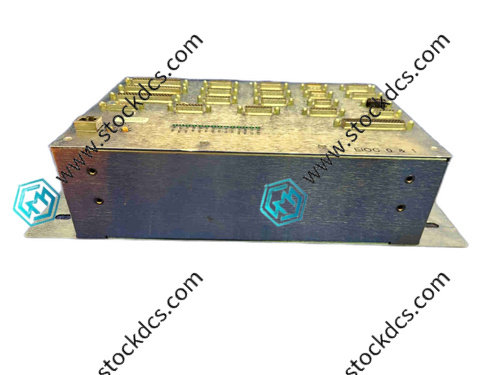
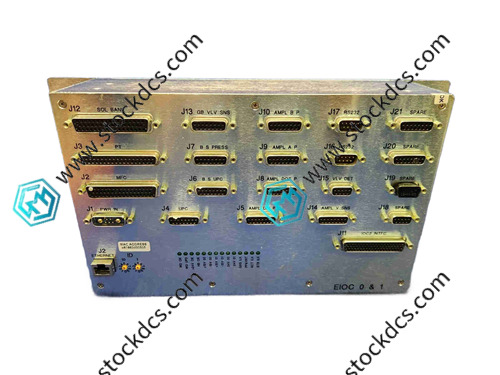
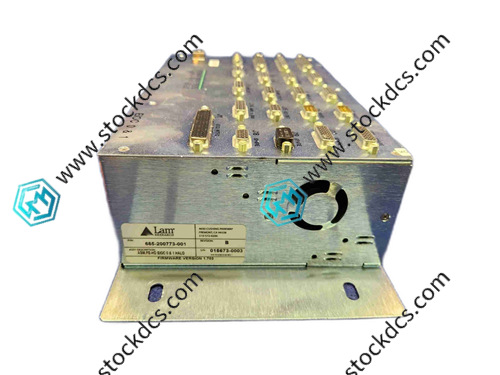
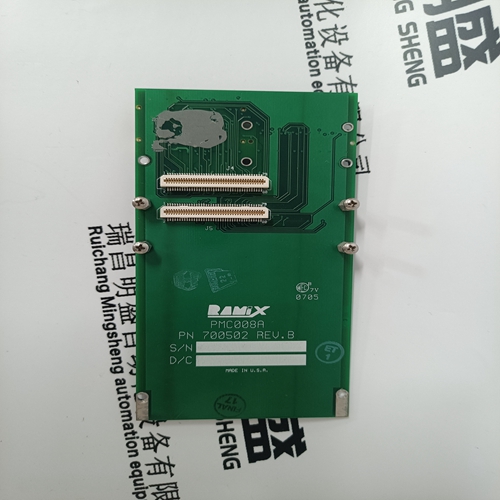
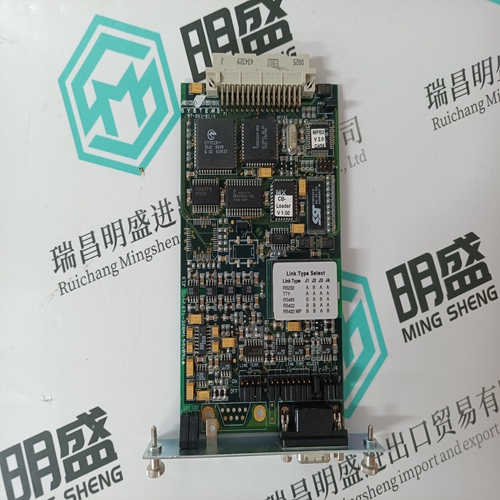
685-200773-001 power module
- Goods status: new/used
- Delivery date: stock
- The quality assurance period: 365 days
- Phone/WhatsApp/WeChat:+86 15270269218
- Email:stodcdcs@gmail.com
- Tags:685-200773-001
- Get the latest price:Click to consult
Product Details Introduction
685-200773-001 Precautions for using power module
Wear an anti-static wristband throughout the module unpacking and installation process to prevent static electricity from damaging the internal power management chip and capacitor components.
During installation, align the device card slot and gently push it into place. Tighten the fixed lock buckle to ensure that the module is in close contact with the device backplate. Violent pressing is strictly prohibited.
Before wiring, check the terminal identification and strictly distinguish between the input voltage terminal, output voltage terminal, and grounding terminal to prevent module burnout caused by port mixing.
The input power supply must meet the rated specifications of the module. Before connection, use a multimeter to check the voltage stability. After there is no overvoltage or undervoltage, power on again.
Before connecting the output terminal to the load, confirm that the load power does not exceed the rated output power of the module, and prohibit overloading operation that may cause overheating protection.
Tighten the terminal screws during wiring to avoid looseness that may cause excessive contact resistance, resulting in terminal overheating, unstable power supply, and other issues.
The operating environment temperature of the module is controlled between -10 ℃~50 ℃, with a relative humidity of 20%~85% and no condensation. It should be kept away from heat sources and humid areas.
Ensure that the module cooling fan is ventilated smoothly, without dust or foreign objects blocking it, to ensure timely heat dissipation.
When using multiple modules in parallel, it is necessary to strictly configure the current sharing resistor according to the manual requirements to avoid uneven current distribution and damage to the modules.
After powering on, observe the module operation indicator light first. The indicator light should light up normally without any alarm prompts, and then connect the load device.
Do not plug or unplug input or output cables during module operation to prevent transient surge currents from impacting the internal circuits of the module.
Regularly check the input and output voltage of the module. If there is voltage fluctuation beyond the allowable range, immediately turn off the power and troubleshoot.
When cleaning the surface of the module and the fan filter, it is necessary to first disconnect the power supply and gently sweep the dust with a dry soft bristled brush to prevent liquids from entering the interior of the module.
When the module is idle for a long time, disconnect all wiring and place it in a dry and dust-proof environment. Regularly conduct power on tests to maintain stable performance.
Non professional maintenance personnel are strictly prohibited from disassembling the module casing. When there is a malfunction, record the status of the indicator light and the fault phenomenon, and contact the manufacturer's technical support.
Summary: The use of the 685-200773-001 power module should focus on anti-static protection, port wiring specifications, and load matching. Daily maintenance should pay attention to heat dissipation, cleaning, and voltage monitoring to avoid risk operations such as overload operation and live plugging, which can ensure stable power supply and service life of the module.
685-200773-001 Product imag
685-200773-001 ontroller Module
BENTLY 330180-90-05 Monitor module
SCHIELE DL42N-22 Analog module
DSDX452 5716075-P Digital module
Other website links
216VC62A HESG324442R13/E控制系统模块
HESG216876脉冲数字信号
216NG62A HESG441634R1K交流电源输入模块
| PMB31B-00101-03 | 07EB200 | N32HLHJ-LNK-NS-00 |
| PMB31B-00101-02 | NPSI02 | 57120001-HE DSAI 309 |
| PMB31B-00101-01 | NKAS11 | P21NSXS-LSS-NS-05 |
| PMB31B-00101-00 | AMAT 0100-91085 | PFTL101AER 2.0KN 3BSE023012R1 |
| PMB31B-00100-00 | INBIM02 | 57160001-PA DSDI 116 |
| PMB23C-00114-00 | INNPM01 | 57120001-RB DSTA 002 |
| PMB22D-10116-00 | 07EA62R1 | 3BSE005880R1 TK560 |