Home > Product > PLC programmable module > 853-164641-001 interface module
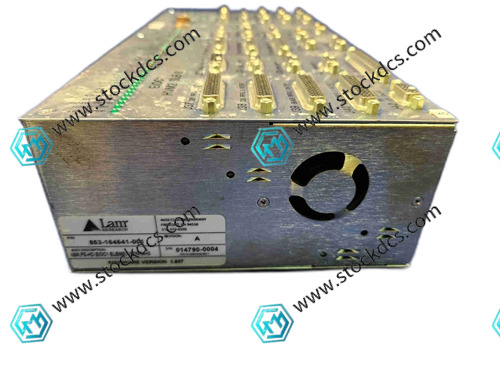
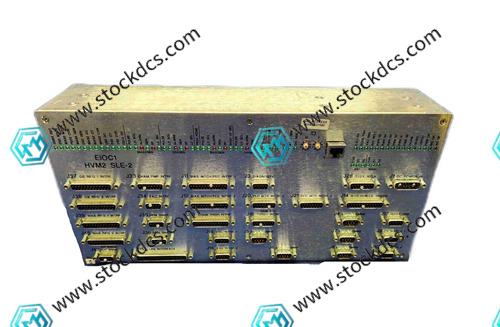

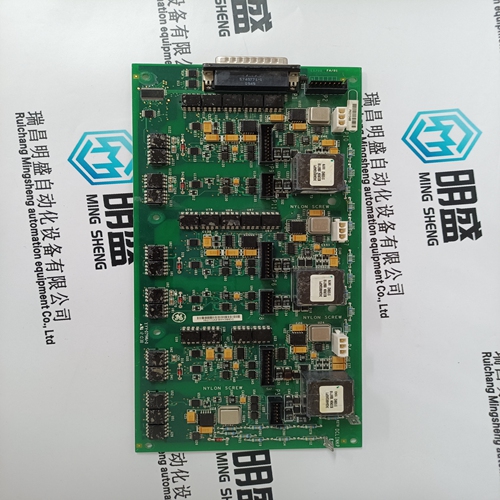
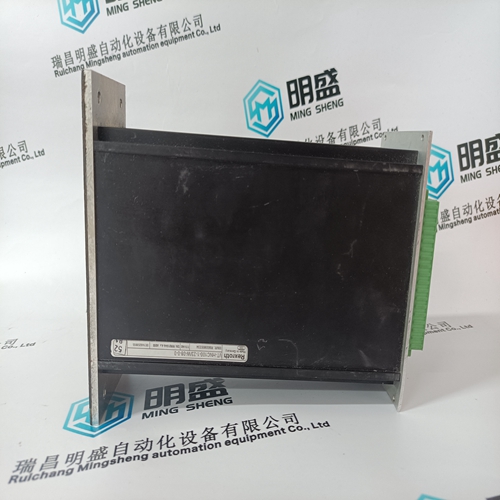
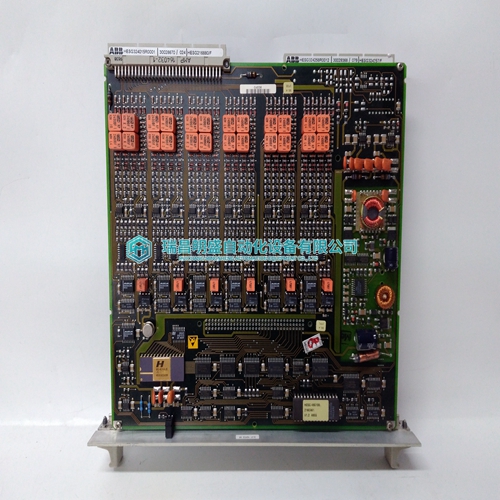
853-164641-001 interface module
- Goods status: new/used
- Delivery date: stock
- The quality assurance period: 365 days
- Phone/WhatsApp/WeChat:+86 15270269218
- Email:stodcdcs@gmail.com
- Tags:853-164641-001
- Get the latest price:Click to consult
853-164641-001 interface module
Product Details Introduction
Precautions for using interface module 853-164641-001
Wear anti-static wristbands throughout the entire process of module handling and installation to prevent static electricity from penetrating the internal integrated circuit chips.
When inserting into the device slot, gently push it into place to ensure that the gold finger is completely in contact with the slot contact, and violent pressing or shaking is strictly prohibited.
Before installation, check the module pin definitions and confirm that they match the system motherboard interface protocol to avoid device failures caused by misconnection.
Before connecting the input and output signal lines, be sure to cut off the system's main power supply to prevent port burnout caused by live wiring.
Select shielded cables of corresponding specifications for signal lines to reduce the impact of external electromagnetic interference on data transmission.
When wiring, connect according to the terminal identification and tighten the screws of the wiring terminals to avoid loosening and poor contact.
The operating environment temperature of the module should be controlled between -20 ℃~60 ℃, away from high-temperature heat sources and corrosive gases.
Ensure that the module grounding terminal is reliably grounded, the grounding resistance meets the equipment requirements, and enhance anti-interference ability and safety.
Avoid stacking debris around the module, reserve sufficient heat dissipation space, and ensure stable operation of the equipment.
After the system is powered on, first observe the status of the module indicator lights. Once the indicator lights are lit up normally, proceed with parameter configuration.
When configuring module parameters, strictly follow the requirements of the equipment manual and prohibit setting parameters beyond the rated range.
Regularly check the operating temperature of the module during operation. If any abnormal overheating occurs, immediately turn off the power and troubleshoot.
When cleaning the surface of the module, power off first and wipe it with a dry soft cloth. Do not use liquid cleaning agents.
When idle for a long time, the module needs to be removed from the equipment and stored in a dry and dust-proof environment.
Non professional maintenance personnel are strictly prohibited from disassembling modules. In the event of a malfunction, they should promptly contact the manufacturer or professional personnel for handling.
Summary: The use of the 853-164641-001 interface module should focus on controlling anti-static operations, interface matching, and wiring specifications. At the same time, environmental control and heat dissipation maintenance should be done well, and parameter configuration requirements should be strictly followed to avoid risky behaviors such as live operation and unauthorized disassembly. This can effectively ensure the stability of data transmission and service life of the module.
853-164641-001 Product imag
853-164641-001 ontroller Module
YASKAWA JAPMC-IQ2303 Switch voltage module
BENTLY 135489-01 Monitor card
BENTLY 1900/55 1900/55-0Z-01-01-01 Monitor framework
Other website links
PROSOFT ANC-100E输入输出模块
8610-FT-NA工控燃机模块
HESG324442R112F模拟输入输出模块
| PMB31B-00214-01 | AMAT 0120-93660 | 57160001-ADF DSDP 170 |
| PMB31B-00214-00 | PHARPS32000000 | M21NRXA-JDN-NS-00 |
| PMB31B-00201-03 | GJR5250000R0202 | P2HNRDB-LNN-NS-00 |
| PMB31B-00201-02 | DOT100 | 57160001-KS DSDO 320 |
| PMB31B-00201-01 | 07ZE88 | XV 7715b |
| PMB31B-00201-00 | 07YS80 | P22NRXA-LNF-NS-00 |
| PMB31B-00200-03 | AMAT 0090-A8211 | 57160001-TZ DSTD 110 |