Home > Product > DCS control system > PXI-5441 waveform generator
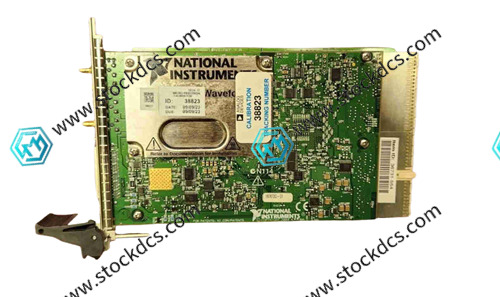
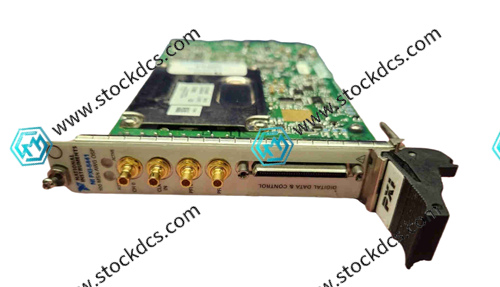
PXI-5441 waveform generator
- Goods status: new/used
- Delivery date: stock
- The quality assurance period: 365 days
- Phone/WhatsApp/WeChat:+86 15270269218
- Email:stodcdcs@gmail.com
- Tags:PXI-5441
- Get the latest price:Click to consult
Product Details Introduction
1. Before installation, it is necessary to wear an anti-static wristband to avoid electrostatic breakdown of internal precision components; When inserting the module into the PXI chassis, gently push it into place to ensure good contact with the golden fingers, and violent insertion and removal are strictly prohibited.
2. Ensure that the ambient temperature of the usage environment is within the range of 0 ℃~55 ℃, away from high-temperature heat sources and strong magnetic fields, and avoid equipment performance drift caused by drastic changes in temperature and humidity.
3. Before connecting the signal, be sure to turn off the power supply of the equipment and supporting instruments. When connecting interfaces such as CH0 and CLK IN, ensure that the SMB connector is tightened to avoid poor contact and signal distortion.
4. The signal output must strictly match the rated load of 50 Ω or 75 Ω. When the load is not connected, avoid turning on the output to prevent damage to the amplifier under no-load.
5. After the first use or replacement of the output path, the parameters should be set according to the specifications: direct path is recommended to be 1Vpk pk, low gain path is recommended to be 2Vpk pk, and high gain path is recommended to be 12Vpk pk pk to avoid operating beyond the range.
Before starting waveform generation, confirm that the PFI trigger interface is connected correctly; When the device is in the "waiting to trigger" (yellow light) state, avoid frequent parameter switching to prevent triggering anomalies.
7. If the ACTION light turns red during the debugging process, it indicates that there are faults such as PLL unlocking and self calibration failure. The output should be stopped immediately and the problem should be investigated. It is not allowed to forcefully run.
8. Ensure smooth heat dissipation of PXI chassis, and install baffles for unused slots to ensure airflow circulation; Regularly clean the chassis fan filter to avoid dust accumulation and equipment overheating.
9. Use shielded cables to transmit signals and reduce electromagnetic interference; Separate the wiring of power cables and signal cables to avoid cross winding and affecting signal quality.
Preheat the equipment for 15-30 minutes before conducting high-precision testing, which can effectively reduce the impact of temperature drift on signal accuracy.
11. It is strictly prohibited to hot plug or unplug any interface cables. When connecting or disconnecting the DDC digital control interface, the system power must be cut off first to prevent circuit impact from damaging the module.
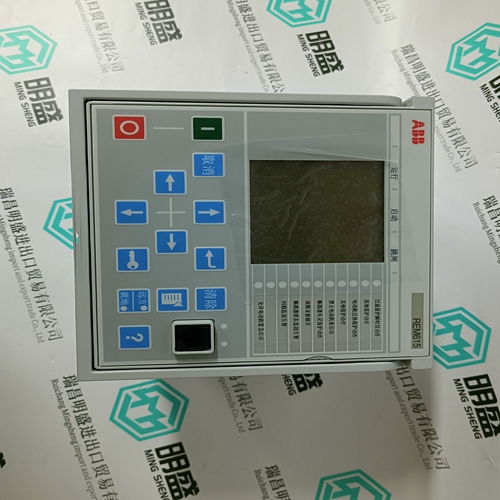
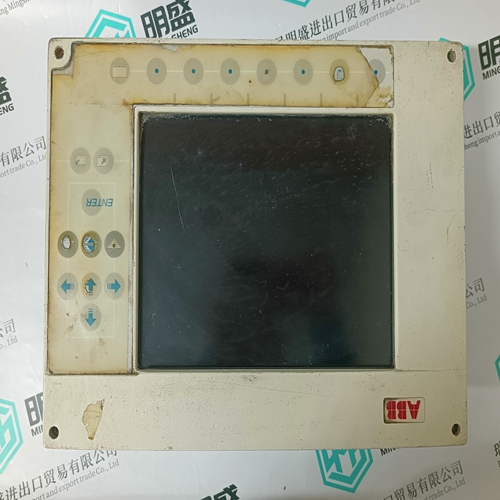
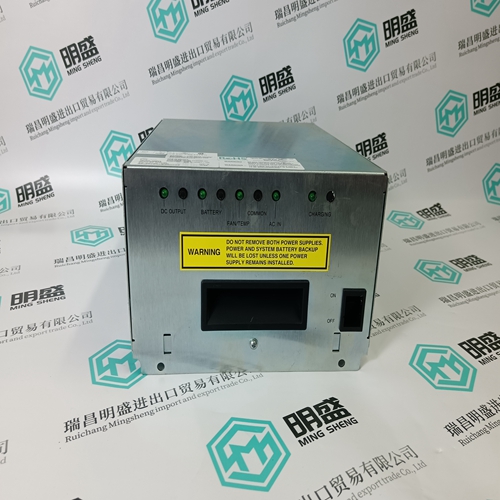
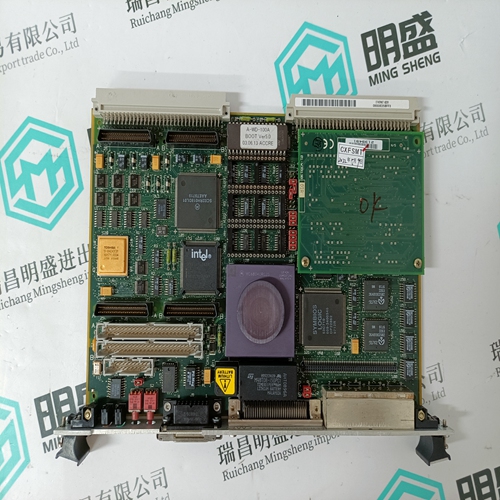
PXI-5441 Product imag
PXI-5441 ontroller Module
FLN3524A Processing logic module
FLN4234A Processing logic module
DEIF PCM4.4 ship controller
Other website links
560CMU05远程通讯模块
PROSOFT AN-X2-AB-DHRIO输入输出模块
PROSOFT ANC-100E输入输出模块
| PMB31B-10101-01 | 07TI80 | PFRL 101C |
| PMB31B-10101-00 | NTMU02 | P21NSXS-LSS-NS-06 |
| PMB31B-10100-03 | 70 EA 04a-E | 57160001-PK DSDI 125 |
| PMB31B-10100-02 | 70 BA 01b | M22NSXB-IDS-NS-02 |
| PMB31B-10100-01 | AMAT 0100-00015 | N41HRFL-LNK-NS-00 |
| PMB31B-10100-00 | AMAT 0100-14010 | 57160001-ACX DSDP 140B |