Home > Product > DCS control system > ES081 LCD display
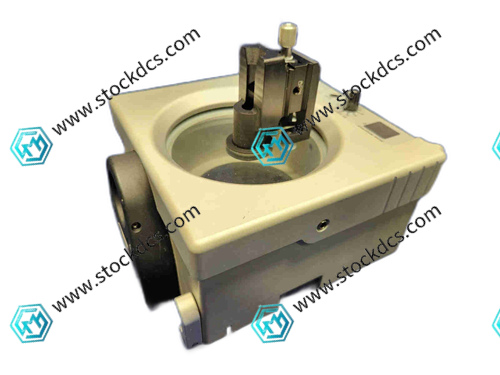
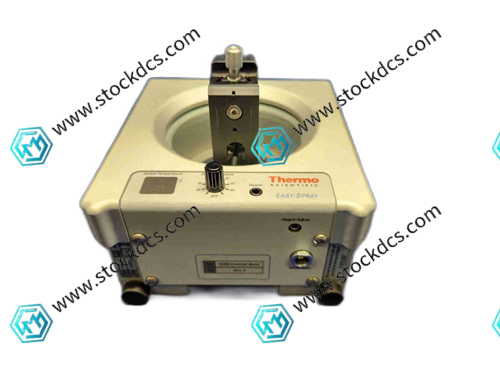
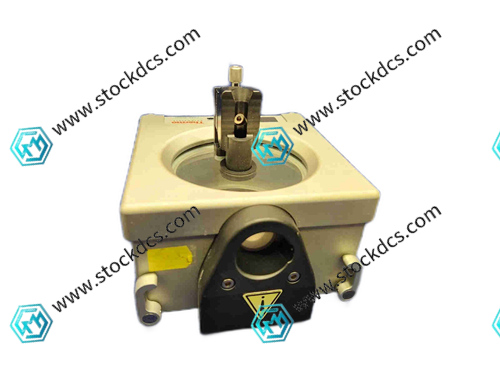
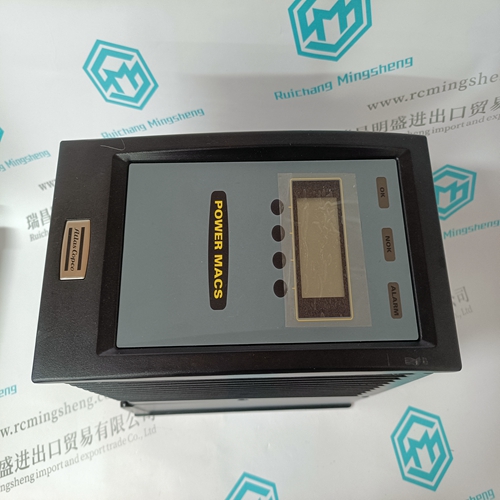
ES081 LCD display
- Goods status: new/used
- Delivery date: stock
- The quality assurance period: 365 days
- Phone/WhatsApp/WeChat:+86 15270269218
- Email:stodcdcs@gmail.com
- Tags:ES081
- Get the latest price:Click to consult
Product Details Introduction
The following are the precautions for ES081 LCD display:
Handle and install with care to avoid collisions, falls, or severe vibrations, and to prevent damage to internal components.
Ensure that the monitor is placed in a stable, dry, and well ventilated location, away from heat and water sources.
Before use, check if the power supply voltage matches the rated voltage of the monitor to avoid using inferior or damaged power cords.
When connecting power and other devices, it is necessary to do so in a power-off state, ensuring that the plug is securely plugged in to avoid damaging the interface with excessive force.
Avoid touching the screen with sharp objects to prevent scratching.
When cleaning the screen, turn off the power first and gently wipe it with a soft dry cloth or specialized cleaning agent. Do not directly sprinkle water on the screen.
Do not apply pressure to the screen surface during operation to avoid abnormal display or damage to the screen.
When the monitor is working, do not block the heat dissipation holes to avoid affecting heat dissipation and causing overheating.
When not in use for a long time, it is recommended to turn off the monitor power to avoid displaying fixed images for a long time, in order to prevent screen aging or screen burn-in.
Avoid exposing the monitor to direct sunlight or strong light to prevent UV damage to the screen.
Pay attention to maintaining the humidity of the usage environment between 30% and 80% to prevent condensation inside the monitor from causing short circuits.
Do not disassemble the monitor by yourself, even if it is turned off for a long time, there may still be high pressure inside to avoid danger.
If you need to move the monitor, unplug all connection cables first, and make sure to connect correctly when reconnecting after moving.
Regularly check the connection wires of the monitor for any damage, looseness, etc., and replace or handle them promptly if there are any problems.
When adjusting the resolution and refresh rate of the monitor, it should be set according to the specifications and recommended values of the monitor to avoid display abnormalities caused by improper settings.
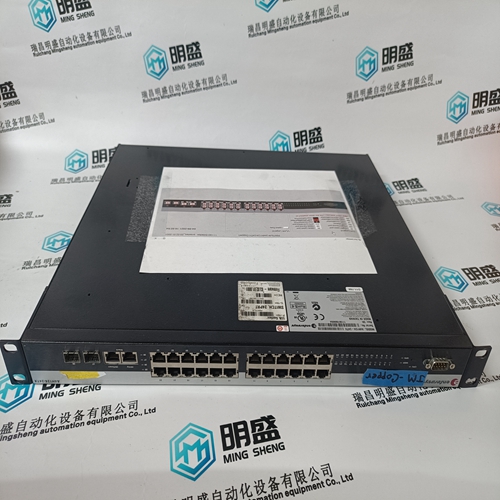
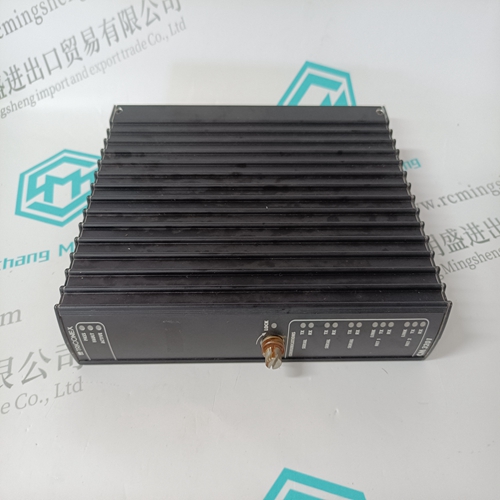
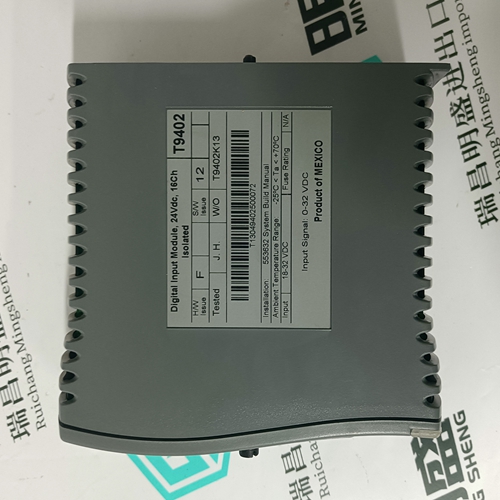
ES081 Product imag
ES081 ontroller Module
CI687K01 3BSE043660R1 Processing logic module
FLN3524A Processing logic module
FLN4234A Processing logic module
Other website links
IC695CPE310-ACAT中央处理器
560CMU05远程通讯模块
PROSOFT AN-X2-AB-DHRIO输入输出模块
| PMB31B-10114-03 | AMAT 0100-76014 | PFTL301E |
| PMB31B-10114-02 | IPBLK01 | PFVL141V |
| PMB31B-10114-01 | PHBRMU1000N100 | 3BSE003816R1 SC520 |
| PMB31B-10114-00 | AMAT 0100-00546 | N31HRFK-LNK-NS-00 |
| PMB31B-10101-03 | NMPC01 | M22NRXC-LDN-NS-00 |
| PMB31B-10101-02 | INIIT12 | 57160001-UH DSTD 150 |